Network ZPL
Send rendered label output to a configured network destination. Logical printer mappings let a shared workflow use each site's selected endpoint.
Automation Service · Runner
Install an Automation Service near the line, give it the required connections, and manage its assigned work from the Center. The service's technical name is Runner.
Local execution, shared management
The Center manages labels, forms, workflows and deployments. A local Automation Service receives its assigned versions, runs configured automation and maintains a persistent print queue.
Its detail view shows identity, connection state, the requested and applied configuration, queue activity and recent messages. Use that view to check whether the site has received the version you intended.
See how the parts fit together →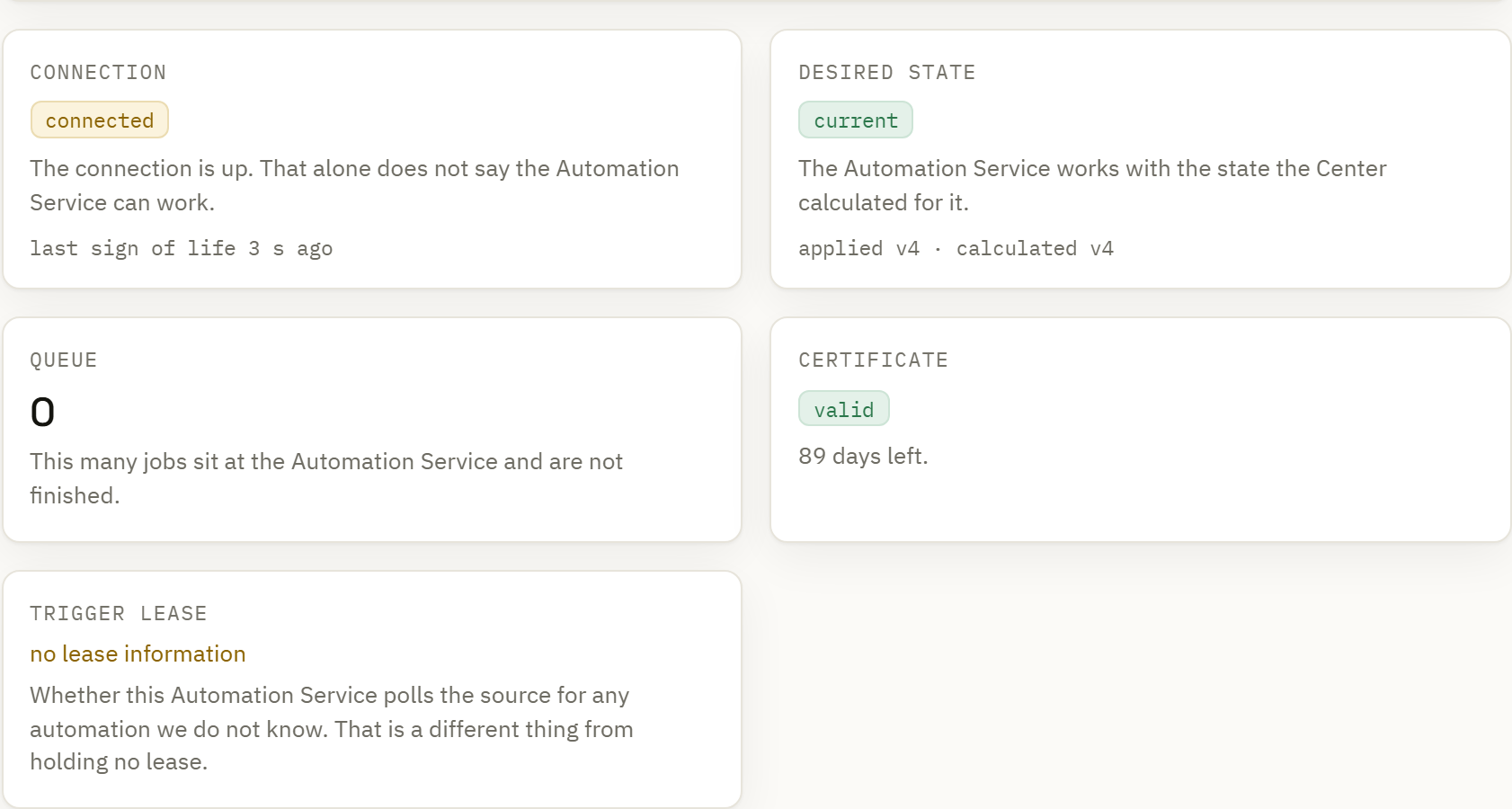
Bring a service online
Install the service for the supported operating system and enroll it in the intended group. Review and approve enrollment according to your Center's policy.
Provide the credentials and permissions needed for the local folders, databases and printers used by its workflows.
Assign a workflow version with its referenced labels and assets. Check applied state and any reported capability or configuration issue before using the process.
Printer delivery
Send rendered label output to a configured network destination. Logical printer mappings let a shared workflow use each site's selected endpoint.
Use a named operating-system queue where the local RAW delivery adapter is available. The queue and permissions belong to the machine running the service.
The GDI path sends the rendered label through an installed Windows printer driver. Choose the actual queue and validate the media and driver configuration. Driver delivery currently requires Windows.
Continuity at the site
Persistent queues and locally deployed documents support work close to the printer. A disconnected service also needs the workflow's fonts, assets, input data, allocated counter values and any external services it calls.
The Runner initiates its management connection to the Center. Local trigger listeners and data connections still need the network access their configuration requires.
The Center and service can run on the same machine. A direct Center-to-network-printer path is also available for suitable setups.
Plan a connection-loss scenario →Job identities, deduplication and durable queue state support recovery after interruptions. When the print outcome is unknown, the system holds that uncertainty for a deliberate decision.
A sent result and a confirmed result have different meanings. Confirmation depends on the endpoint's supported acknowledgement mechanism.
Understand the reported states →